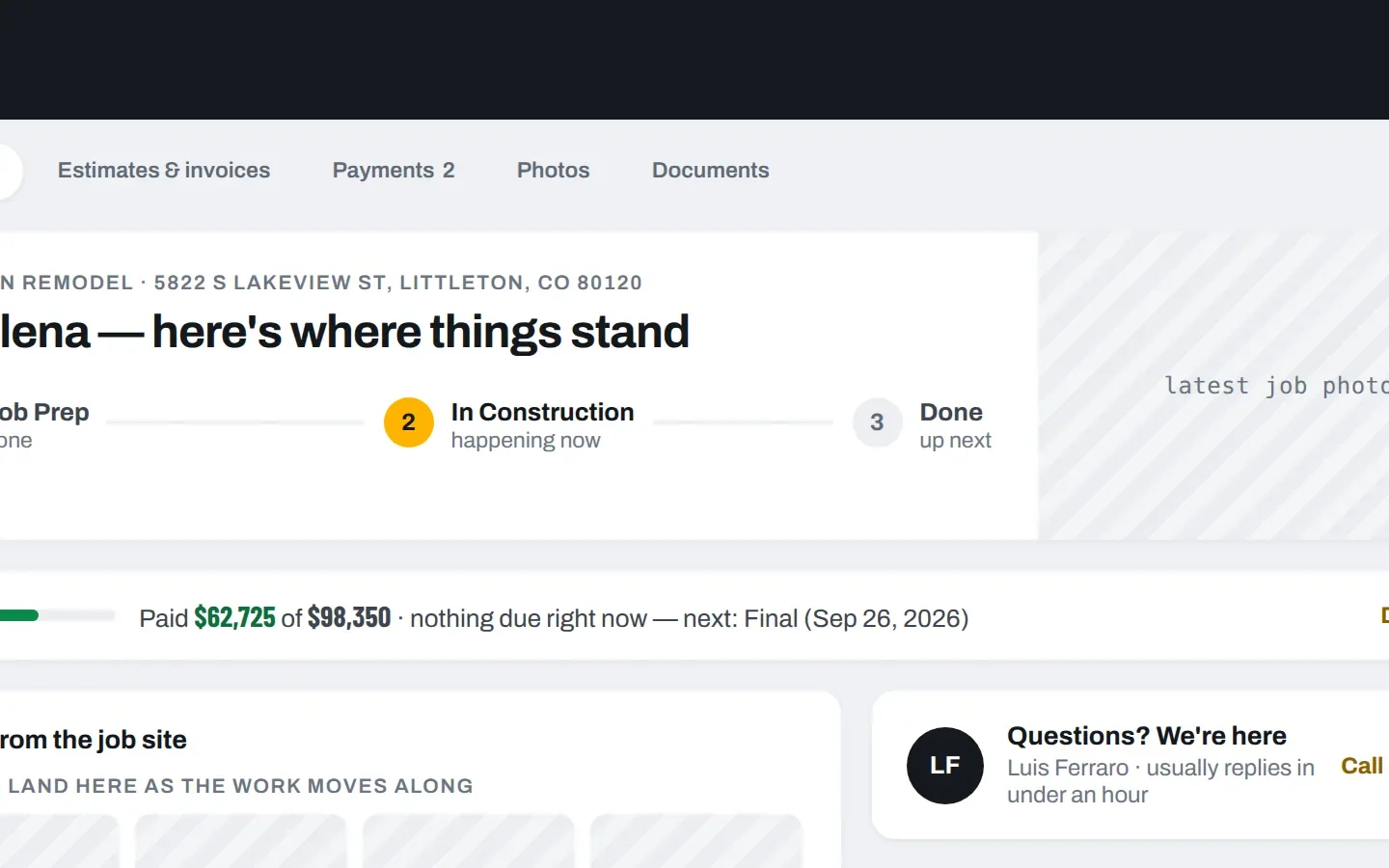
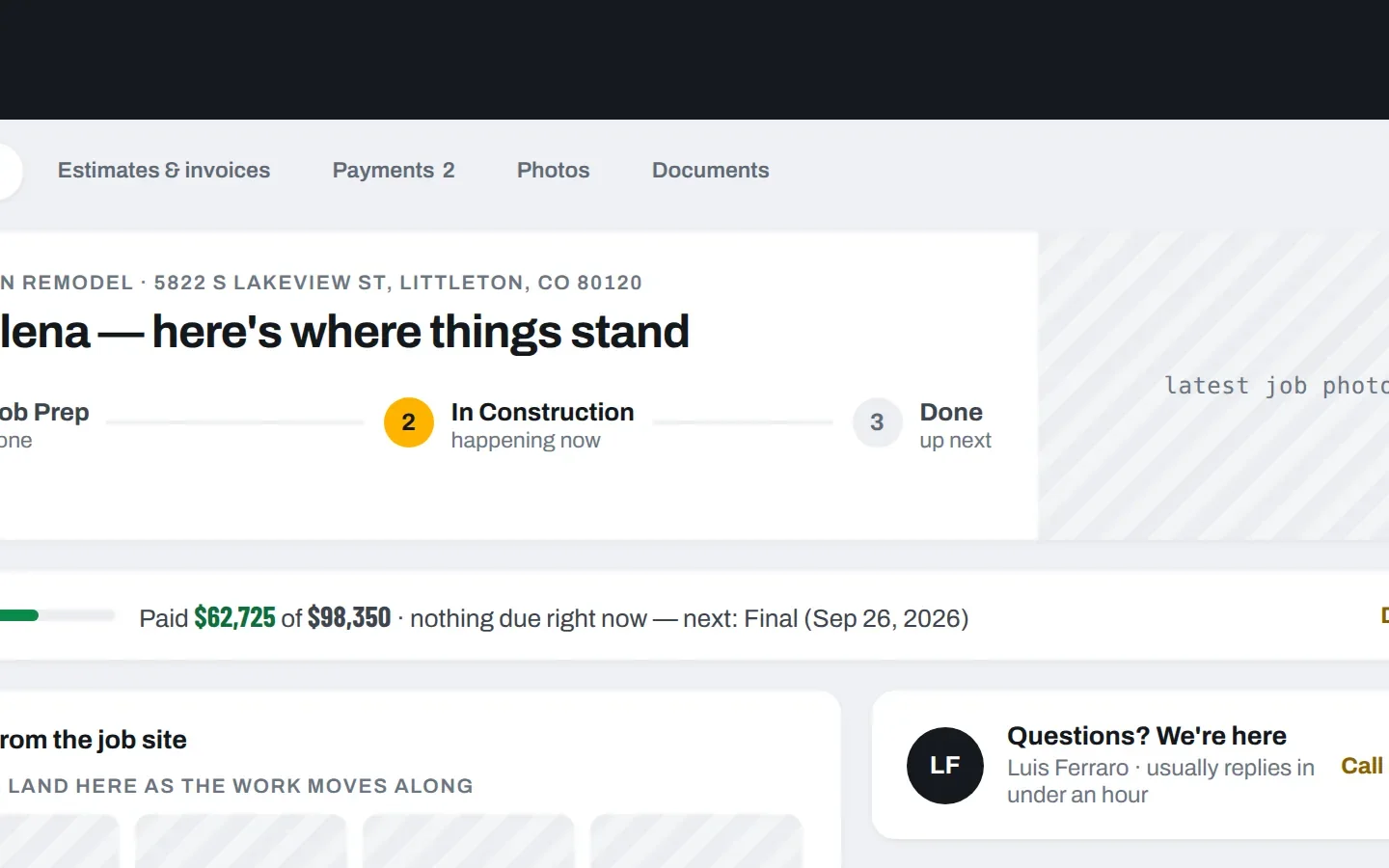
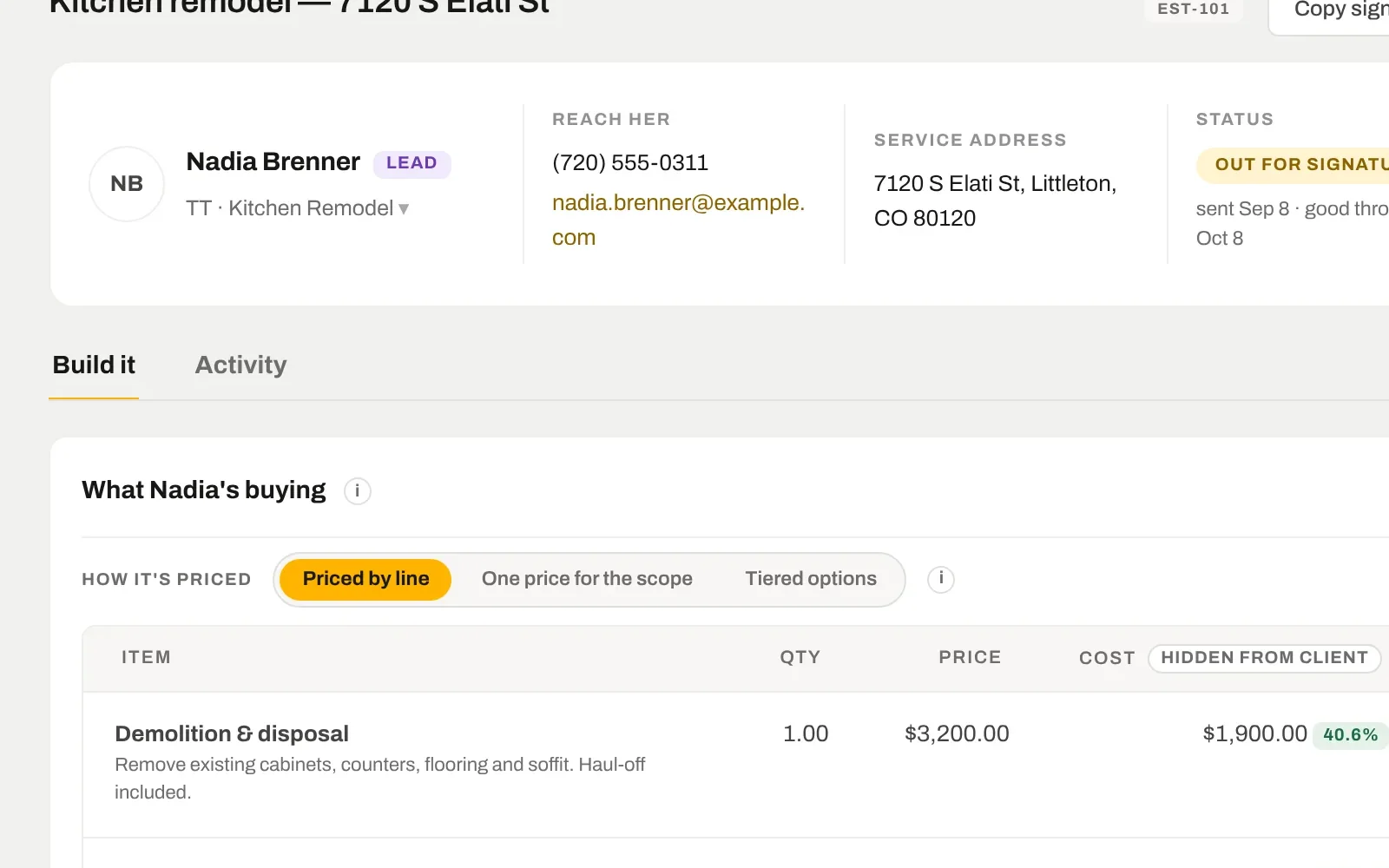
Each client gets a private link: where the job is, what is booked next, selections waiting on them, photos from the site, what they have paid and what they owe. It is the record you are working from, not a copy someone has to update.
7 days free. From $159 a month after — every tool on every plan. Cancel any time.
ONE LINK
No password for them to lose.
The link itself is the access — a long private token, like a bank statement link. Text it or email it once. They open it on their phone whenever they want to know how things are going, and they see their job and nothing else.
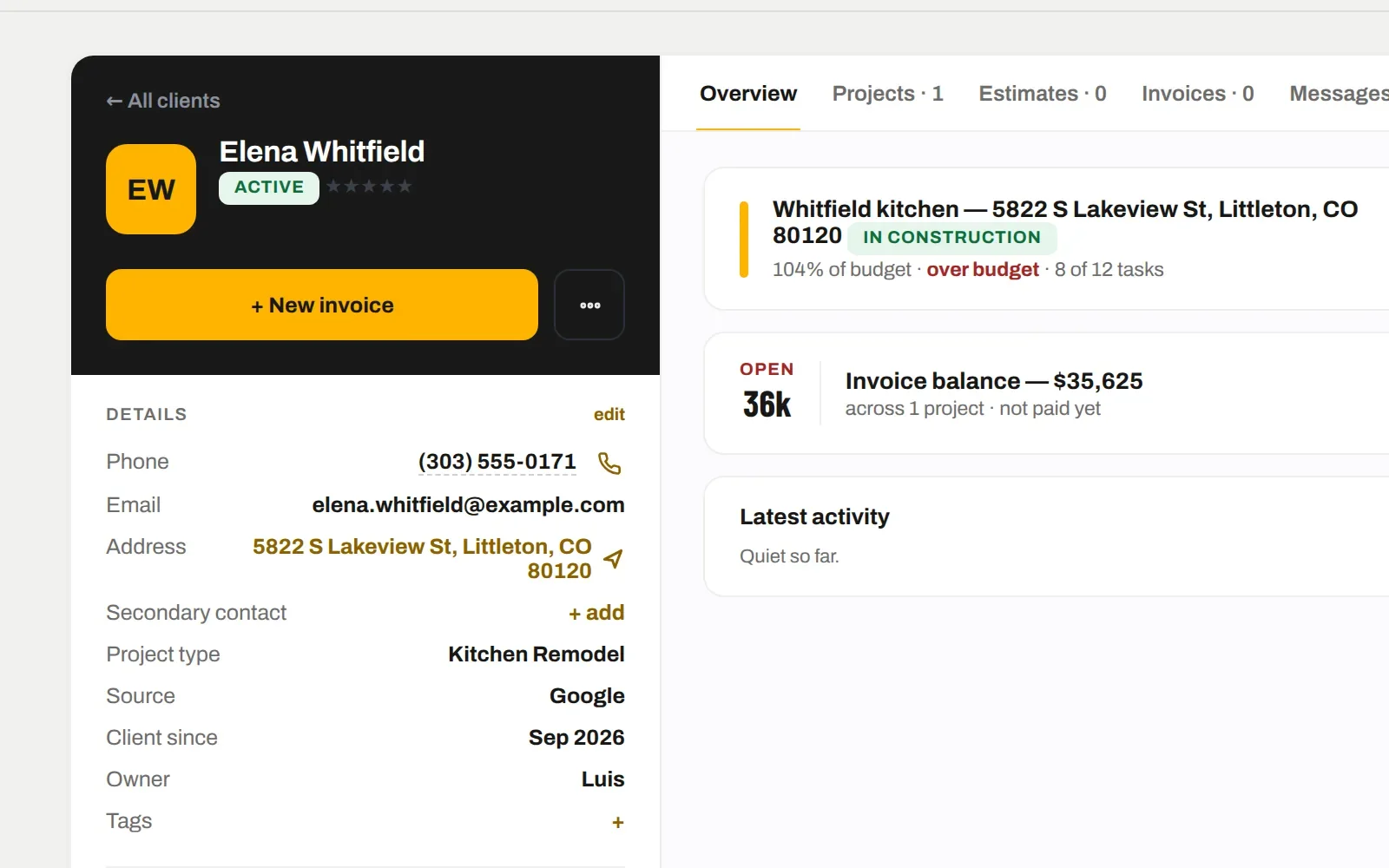
Turn a client's portal off and on from their record
Call-or-text button goes straight to the PM on the job
Their estimates, invoices, photos and documents in tabs
SELECTIONS
Decisions logged, not lost in a text thread.
Share a selection — tile, fixtures, paint — with options and prices. They pick in the portal, the choice lands on the job with a time stamp, and the change order follows if the price moved. “You approved the herringbone on Tuesday” is a fact you can show.
Options with photos and price differences
Approvals timestamped against the job
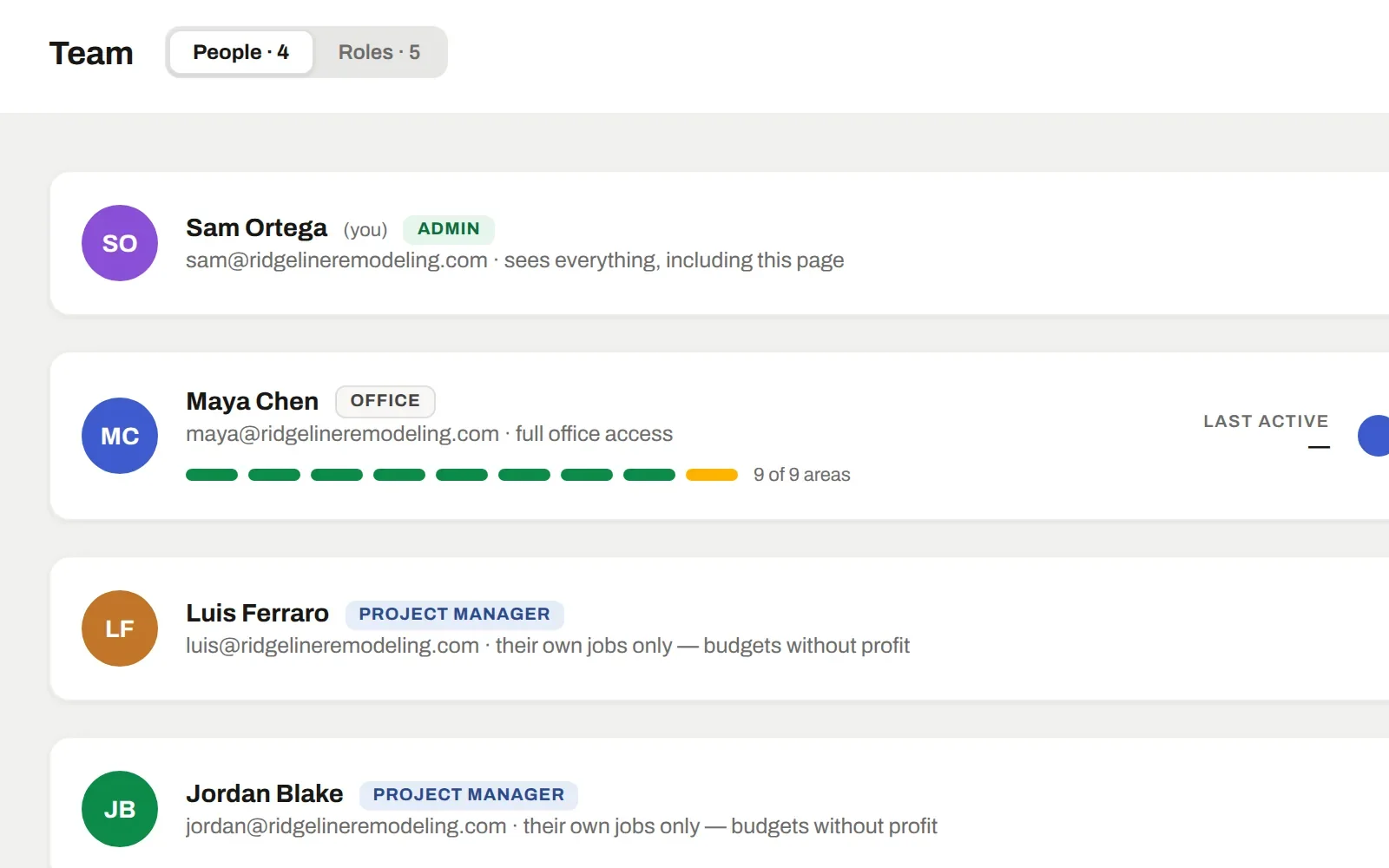
Files and photos shared per client — nothing else is reachable
MONEY
What they paid, what is open, and a way to pay it.
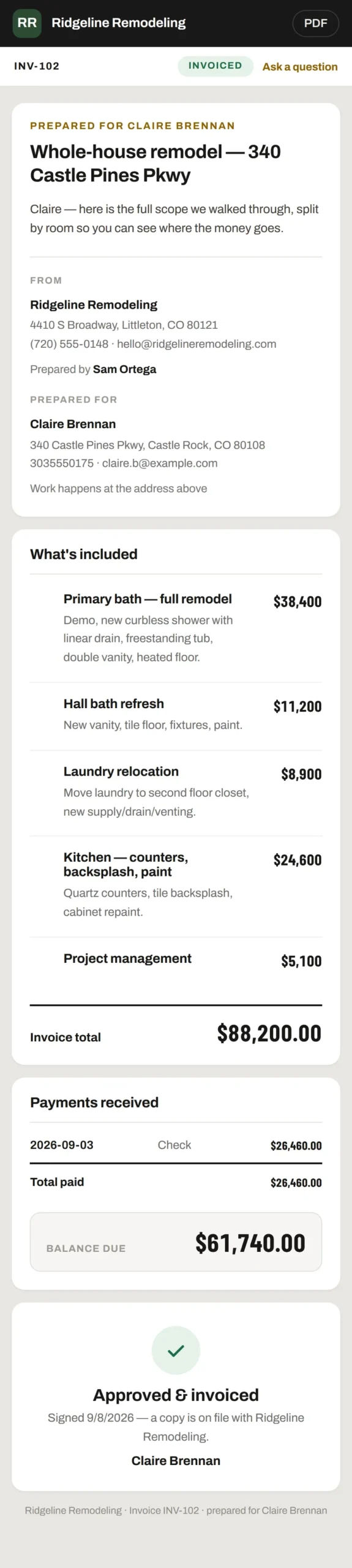
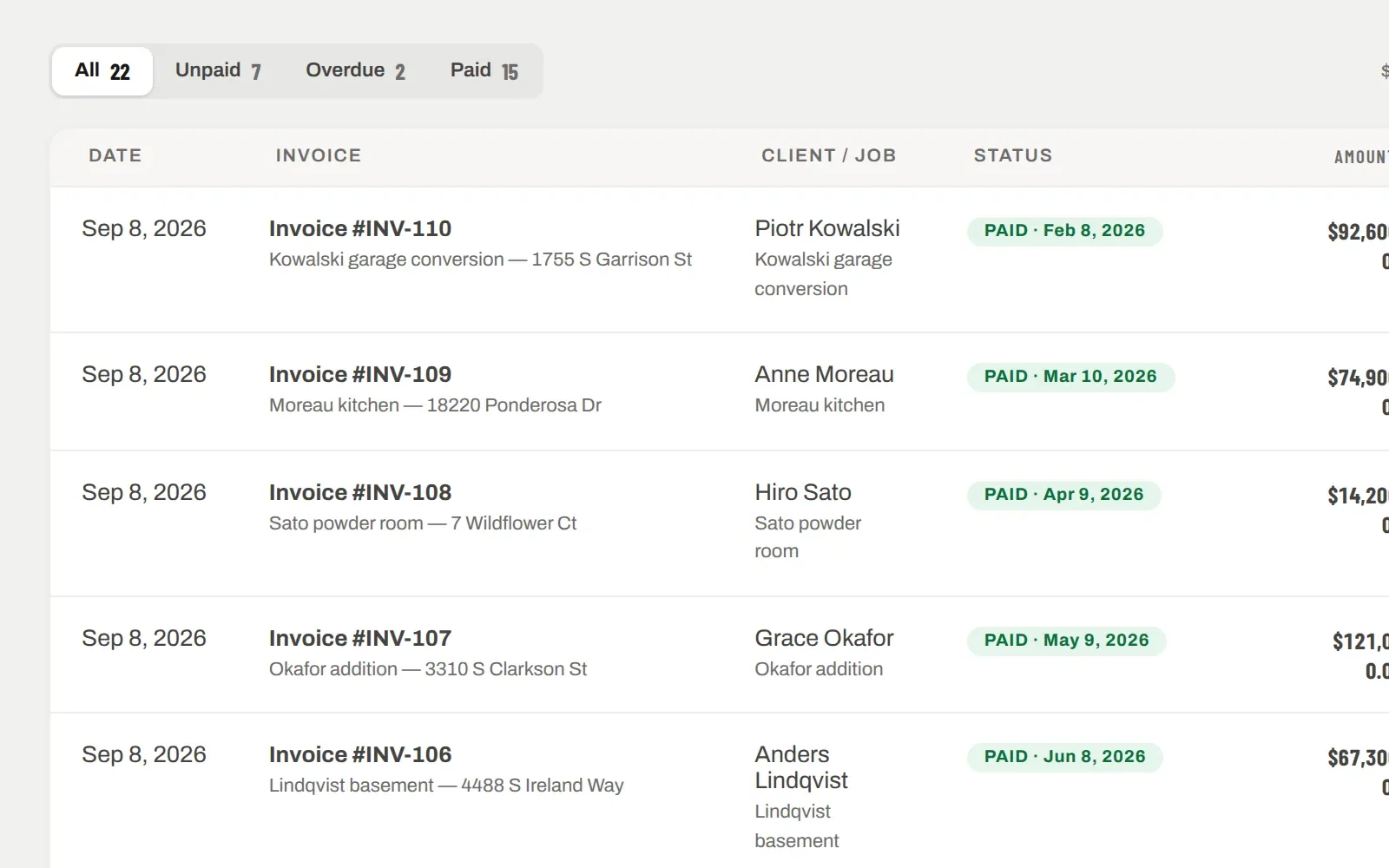
Invoices show in the portal with the payment schedule and the balance. Send a payment link and they pay by card on their phone; record a check and the portal updates. Nobody has to ask “did you get my payment?”
Progress against the contract, draw by draw
Card payments through a link, on their phone
Receipts sent automatically
IT ALL CONNECTS
The same record, further along.
Nothing here is a separate module with its own copy of the data. Client portal is one view of the job; these are the next ones.
The token is 64 random characters — the same approach banks and payment processors use for statement and invoice links. It can be switched off per client in one tap, and it only ever shows that client’s job.