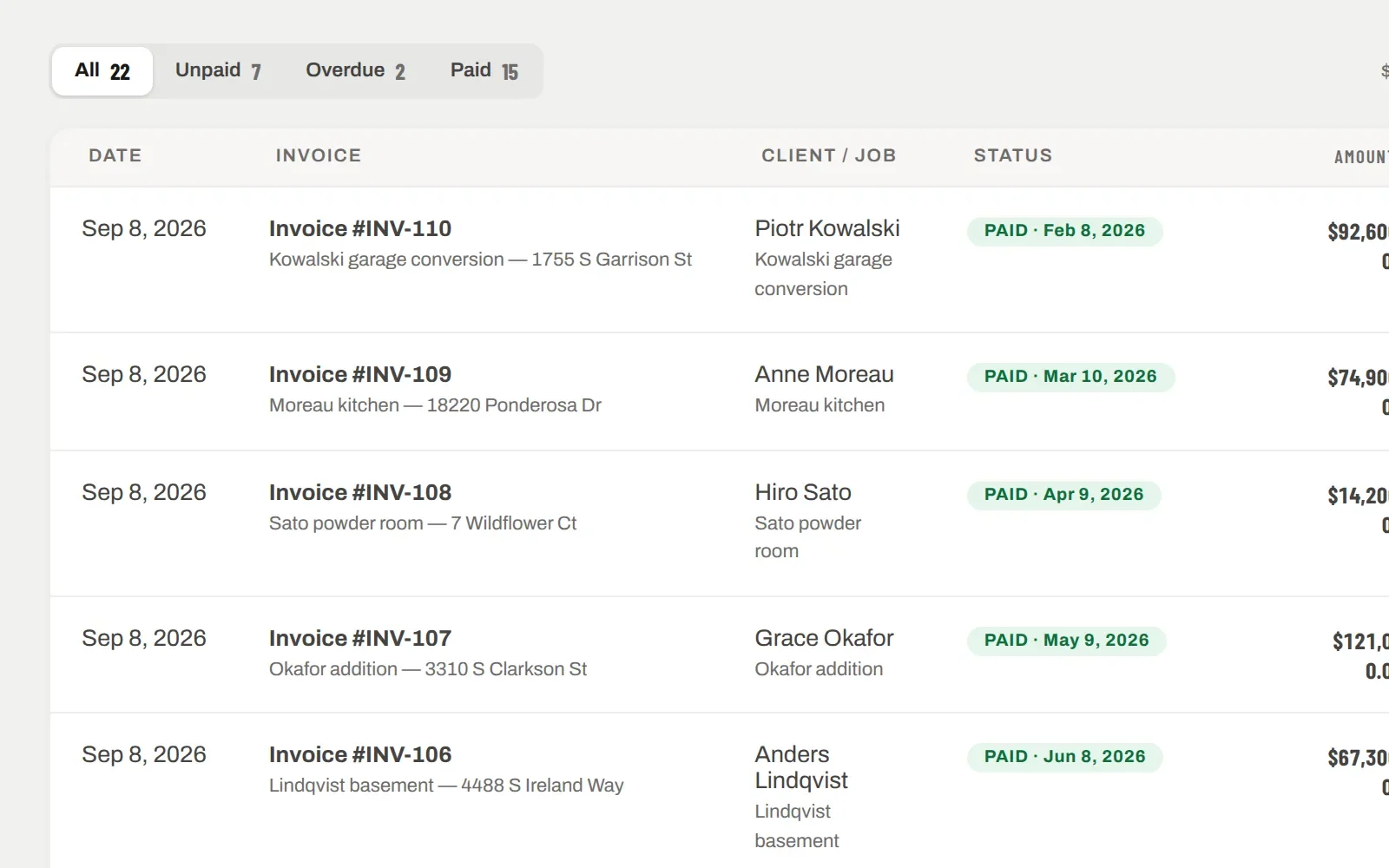
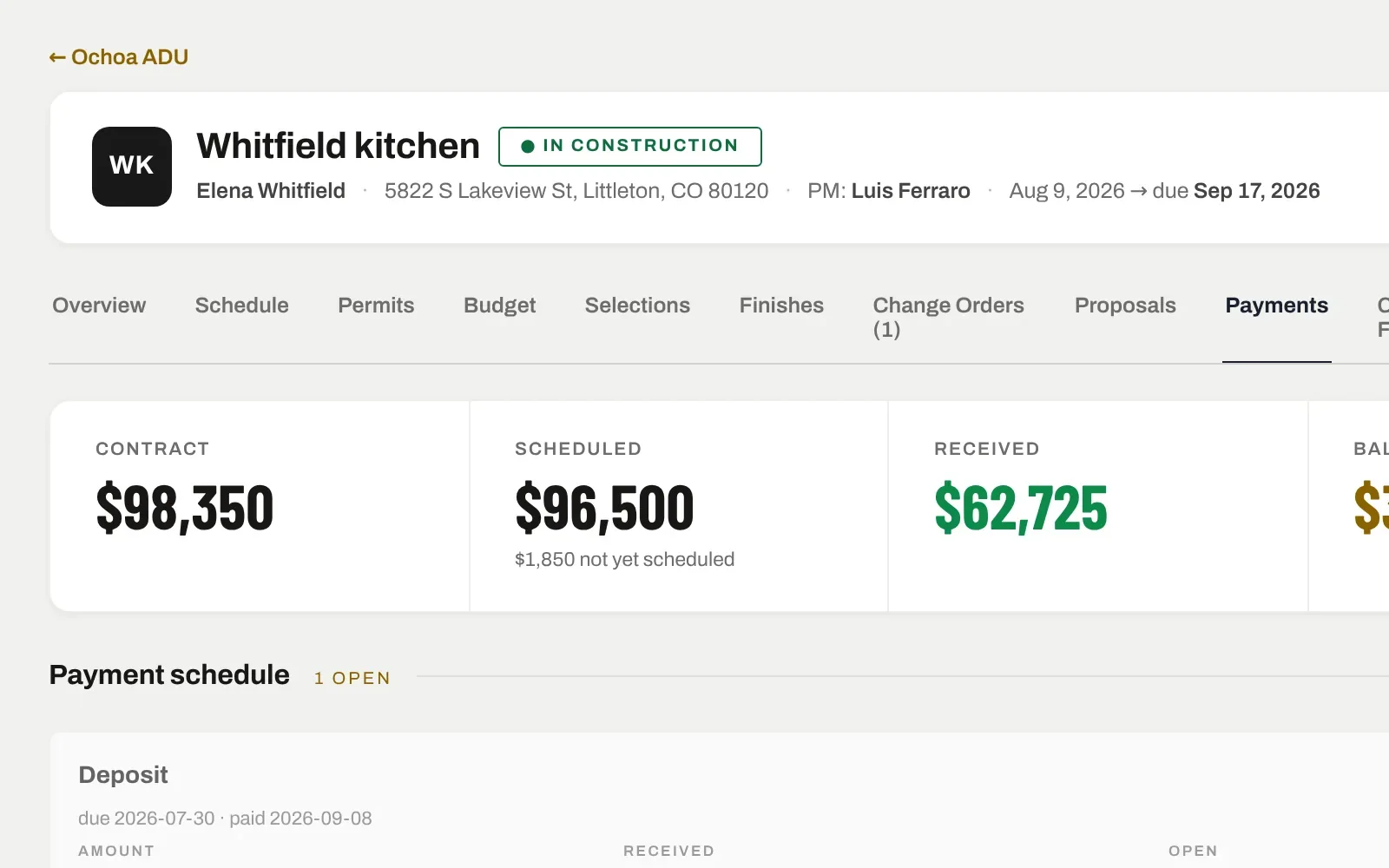
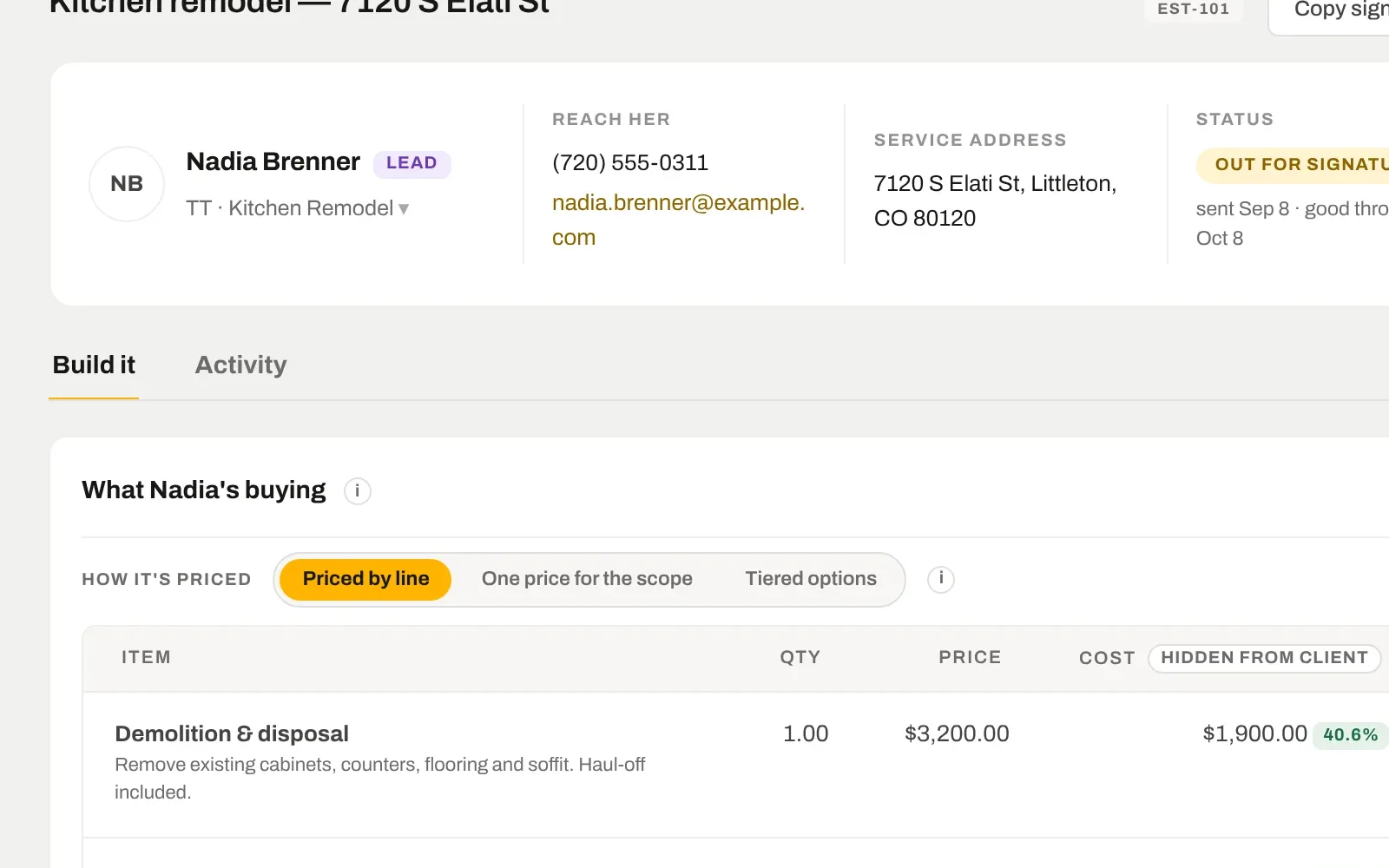
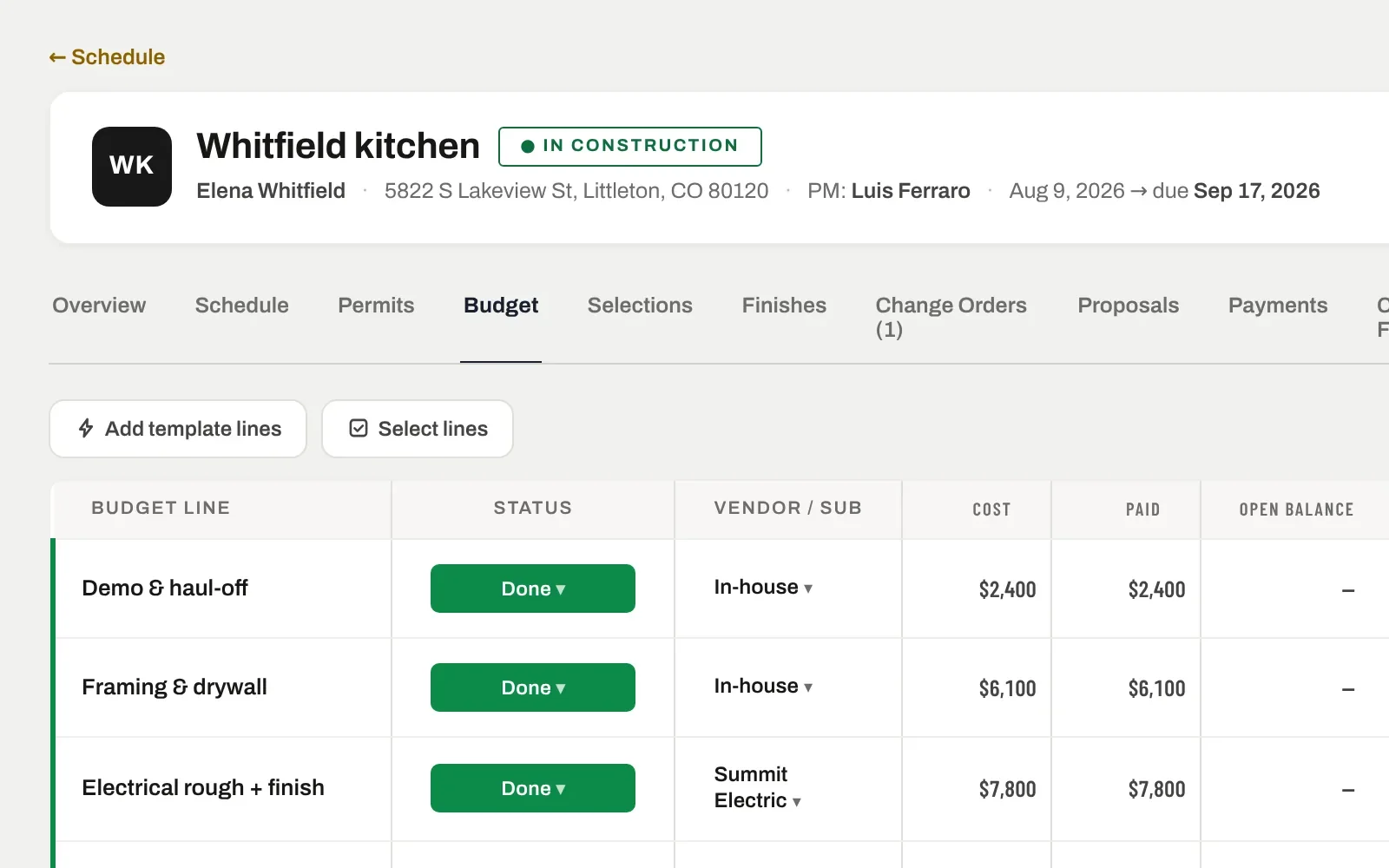
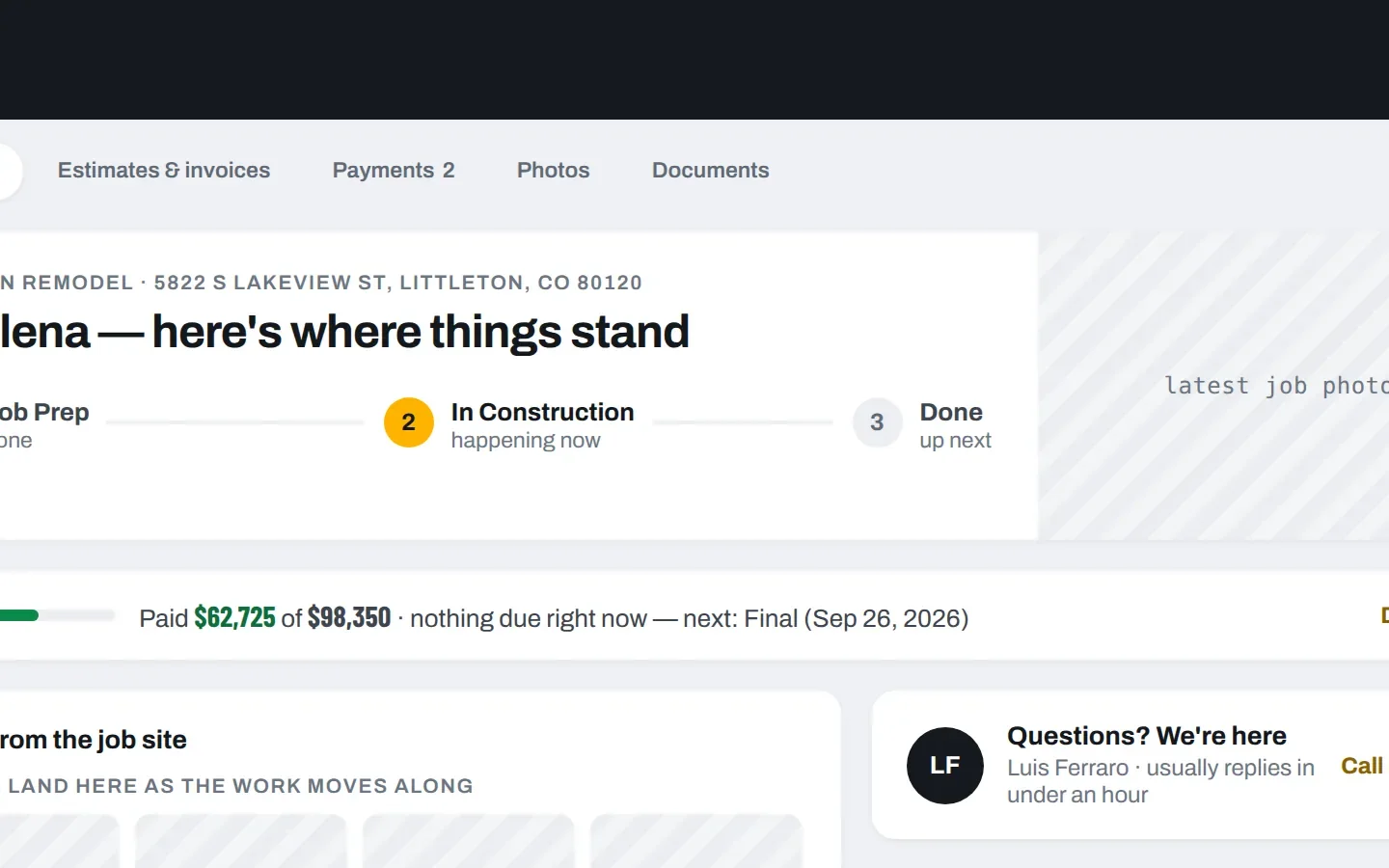
Deposit, draws, final — the invoices come from the estimate’s payment schedule and live on the project. Collect by card through a link, or record the check. What is open, what is past due and what came in this month are always one screen away.
7 days free. From $159 a month after — every tool on every plan. Cancel any time.
PROGRESS BILLING
The draw schedule from the estimate becomes the invoices.
30% on signing, 40% at rough-in, 30% at completion — set it once on the estimate and the invoices follow. Each one is a page the client opens on their phone, with the scope, what they have paid so far and the balance.
Deposit invoice created the moment the estimate converts
Adjust an invoice and the client link updates — no re-sending PDFs
Late invoices go red on the dashboard after three days
COLLECT
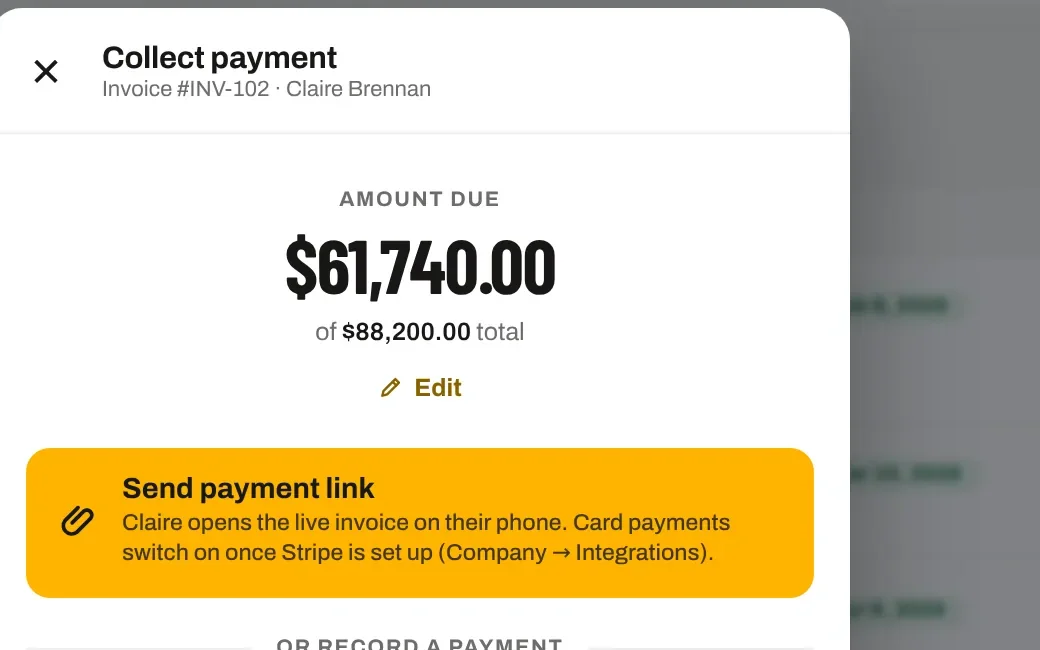
Send a payment link. Or record the check.
Collect payment opens one sheet: the amount due, a button that sends the live invoice to their phone for card payment, or one tap to record a check, cash, Zelle, Venmo or a bank transfer with the date and a note. Card processing runs on Stripe; SiteView never sees the card number.
Card fees can be passed through or absorbed — your choice
Every payment posts to the job and the money reports the same second
Receipts emailed to the client automatically
OVERVIEW
Outstanding, overdue, collected — by month.
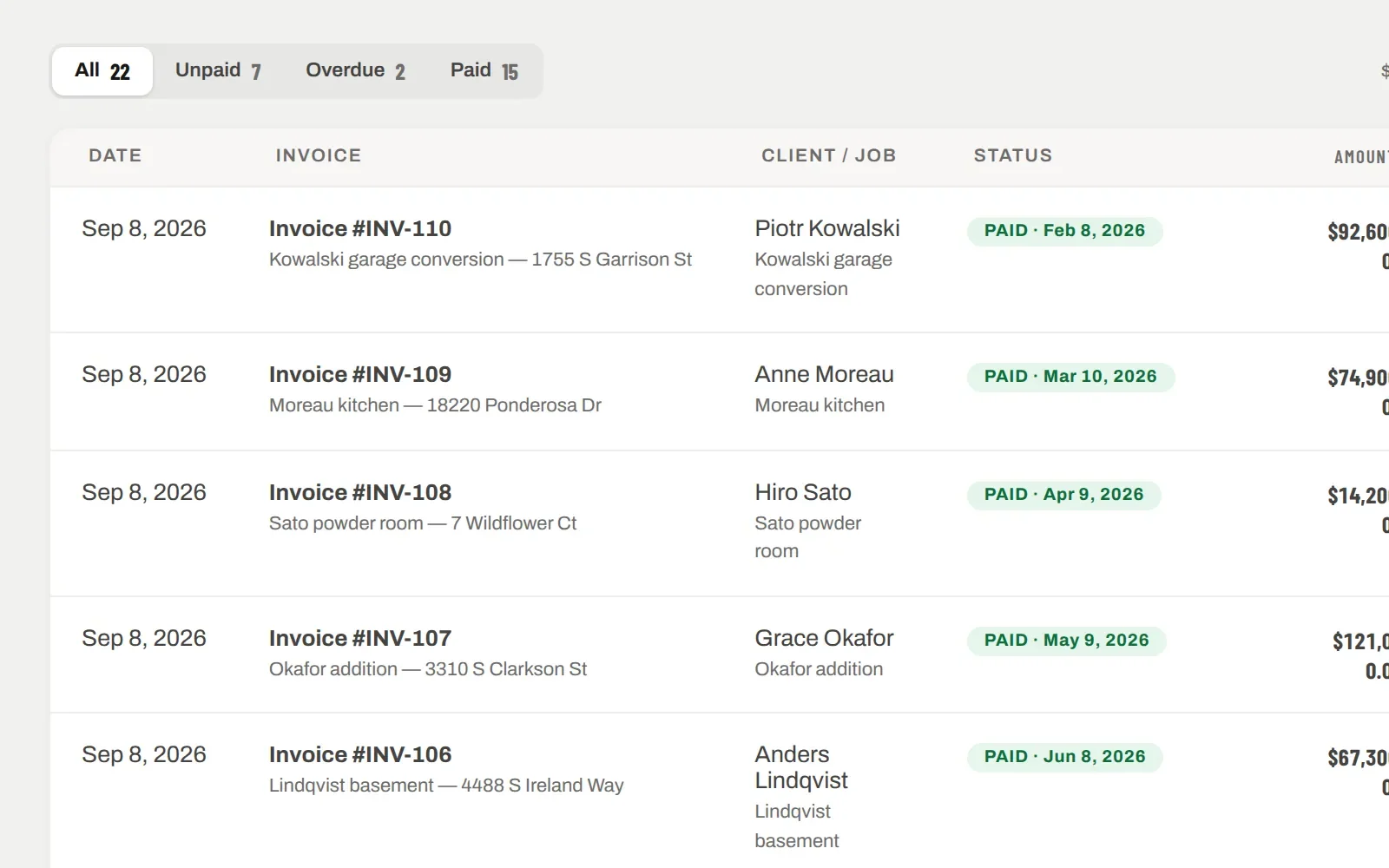
The Invoices page reads across every job: what is outstanding, what is overdue, what has been collected against what was invoiced. The dashboard charts money collected by month, from dated payments — not from what you meant to collect.
Unpaid, overdue and paid in one list
"$210,315 outstanding · $40,600 overdue" at the top of the page
Undated payments are called out, not silently dropped from the chart
IT ALL CONNECTS
The same record, further along.
Nothing here is a separate module with its own copy of the data. Invoices & payments is one view of the job; these are the next ones.