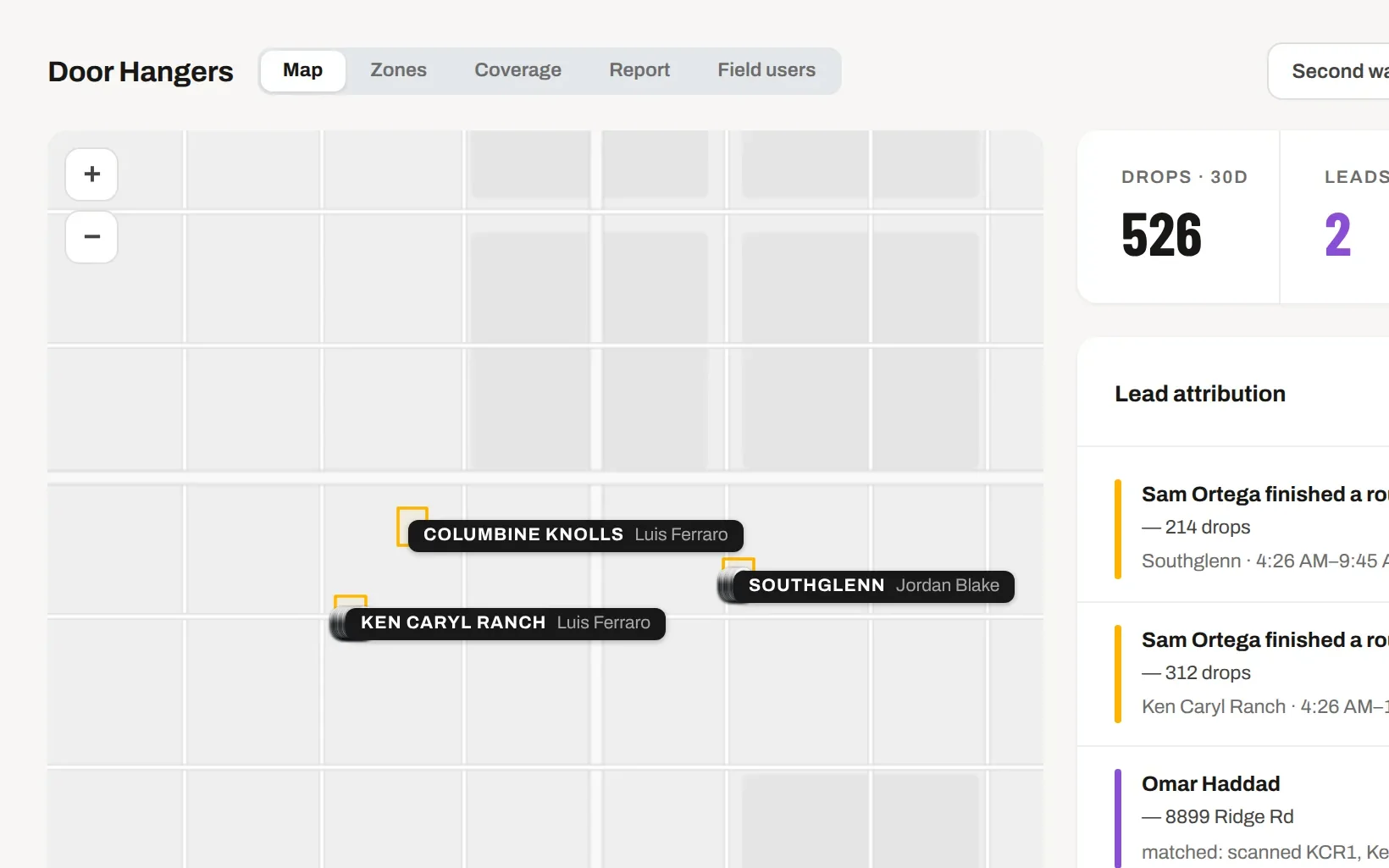
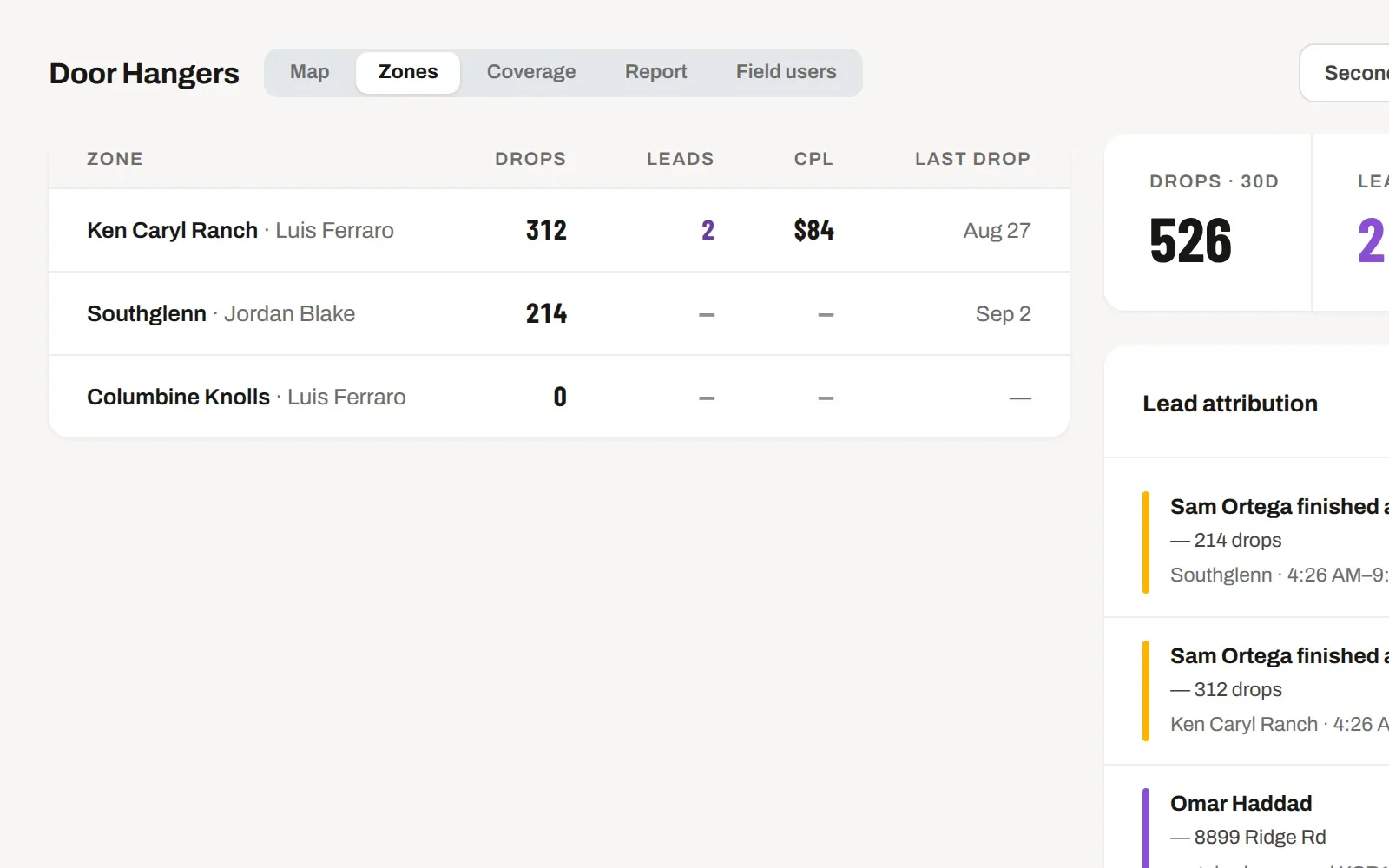
Split a neighbourhood into territories, print hangers with a QR per territory, walk them. Every scan and every lead is tied to the street it came from, so cost per lead is a fact — and it sits next to what Google and Thumbtack charge you.
7 days free. From $159 a month after — every tool on every plan. Cancel any time.
TERRITORIES
Draw the zone, count the doors, hand it to someone.
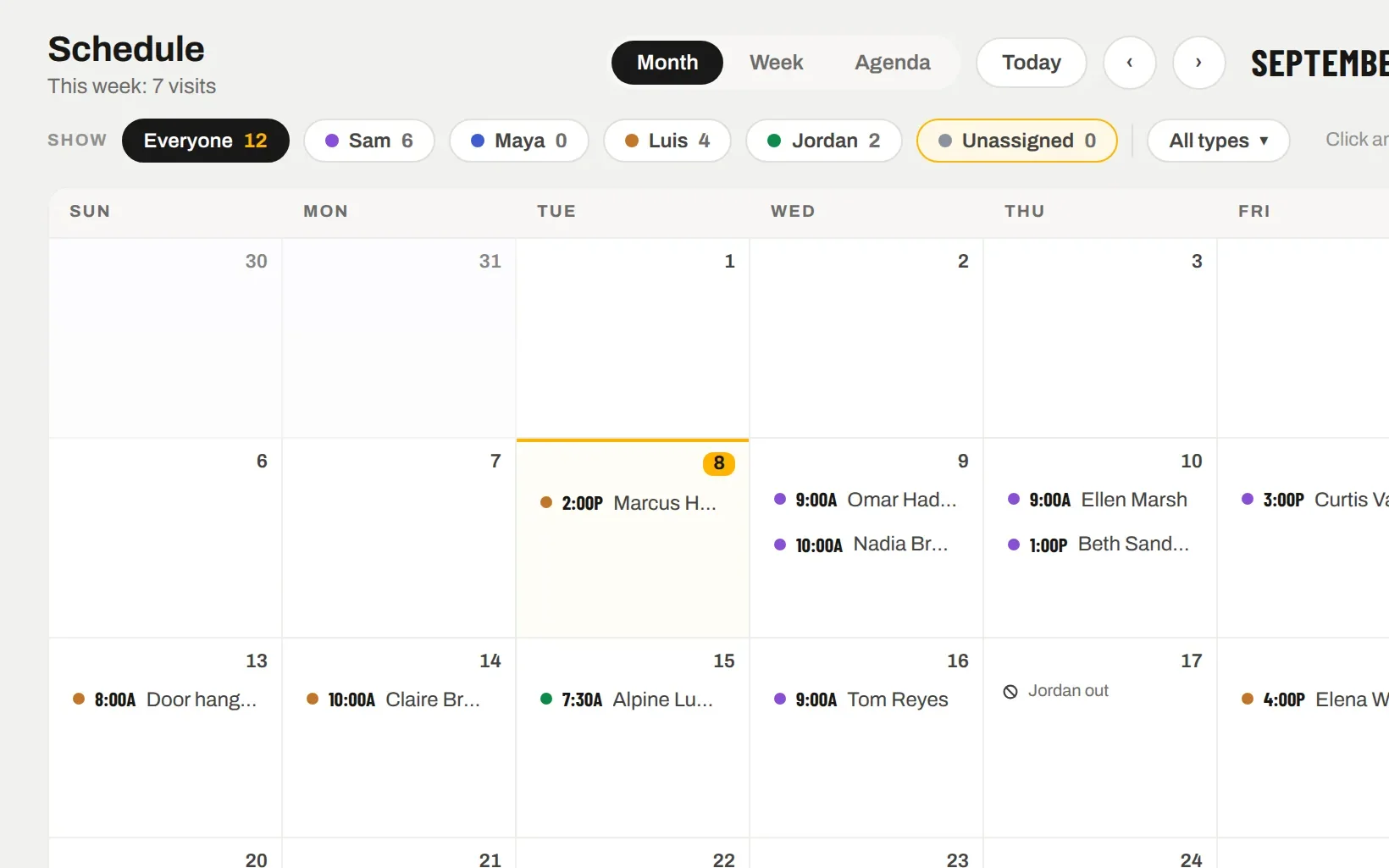
Draw a territory on the map, set the door count, assign a walker and a day. The walk goes on the Schedule as a block of work. Print stock is tracked per run, so you know what the hangers cost before the first one goes on a door.
Print runs with quantity, unit cost and printer
Stock moves between territories, shortfalls flagged before the walk
Second waves for the streets that produced
THE WALK
Every door dropped, from the phone, with a pin.
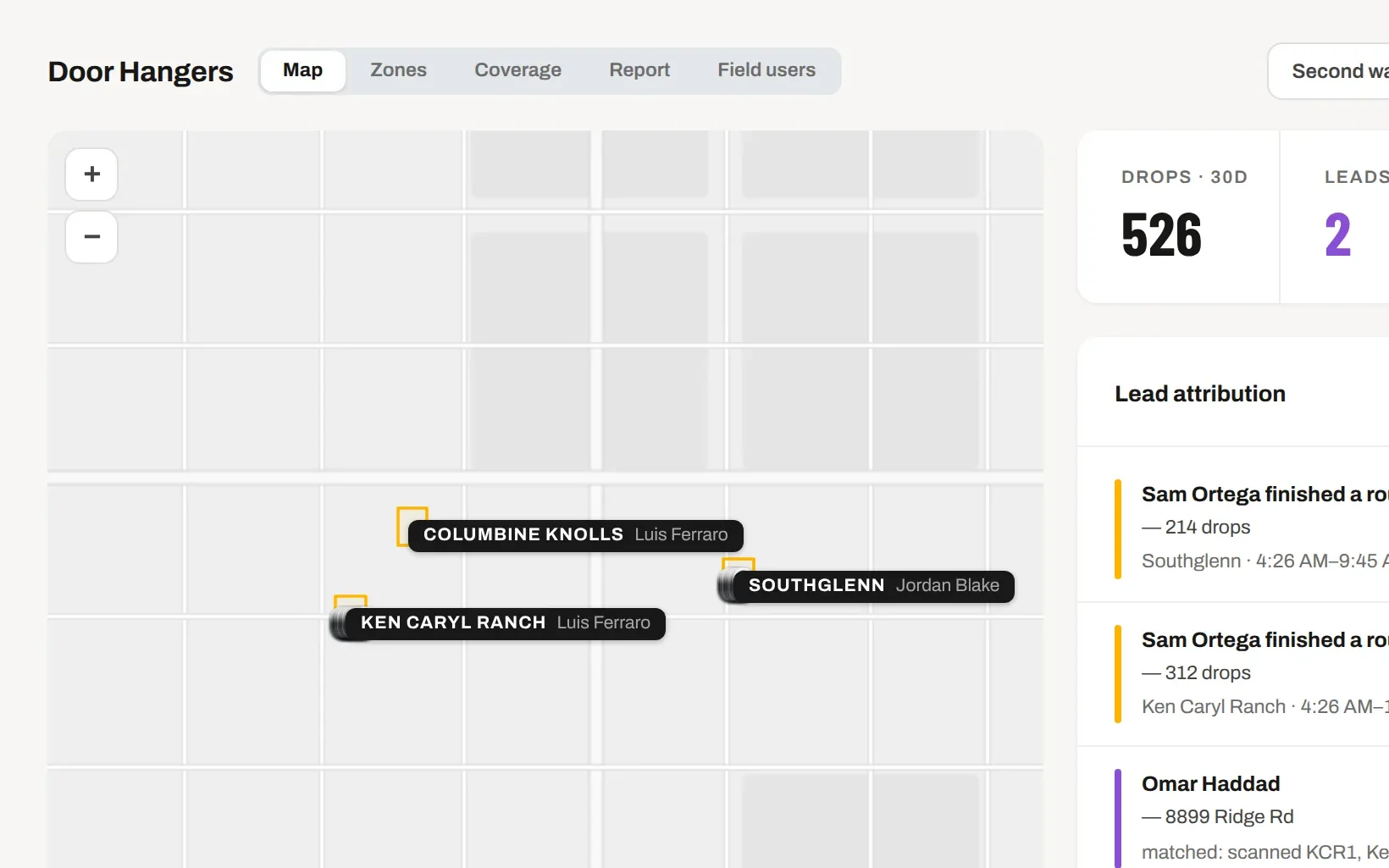
The walker taps as they go — dropped, talked, couldn’t reach, no soliciting — and each drop carries a pin and a time. You see the coverage on the map that evening. Labour is costed from the walker’s rate and the hours on the block.
Drops are batched from the phone, so a weak signal on the walk does not lose them
Skip flags for clients and no-soliciting addresses
Coverage heat map by street
ATTRIBUTION
A lead from a hanger says which street.
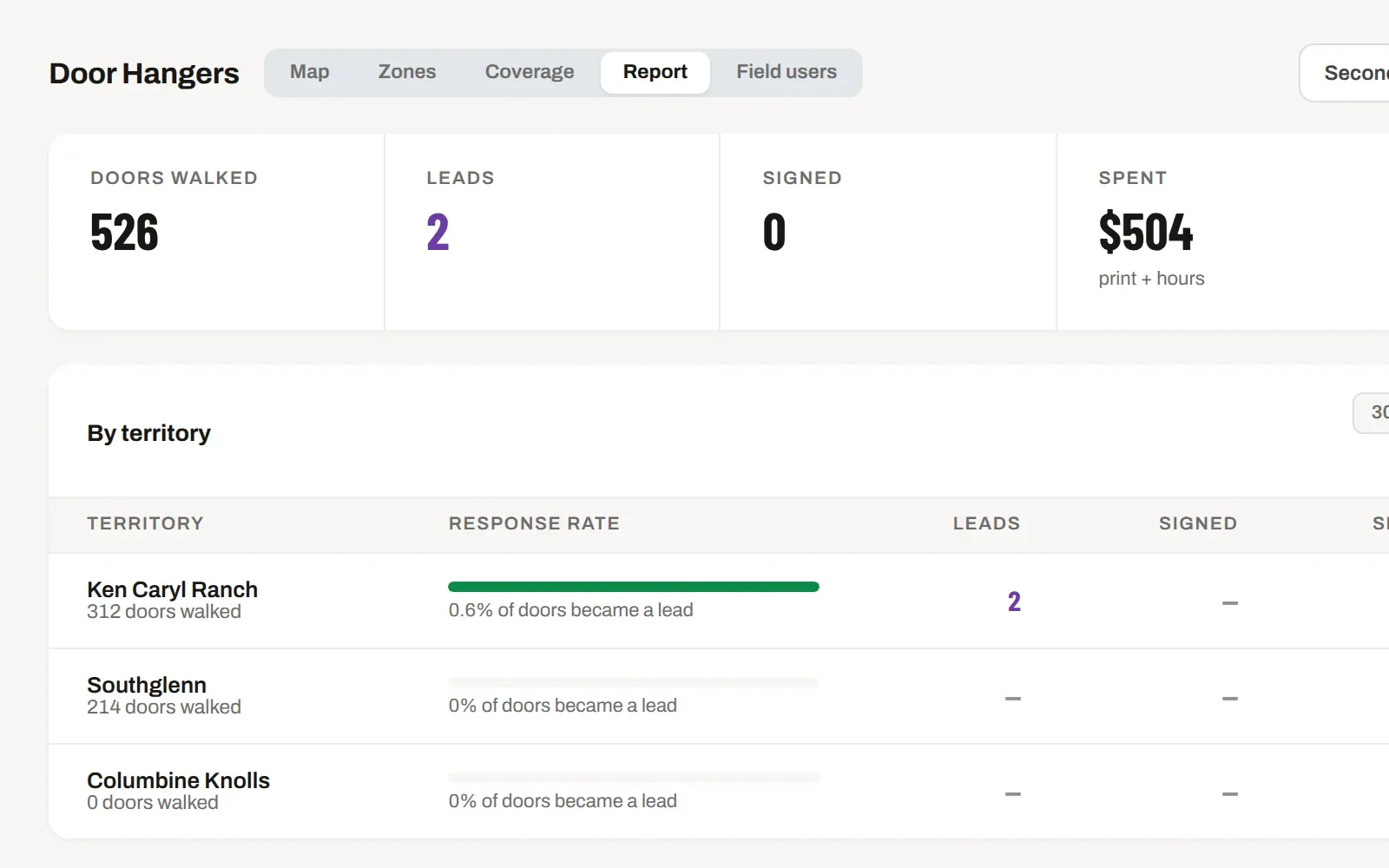
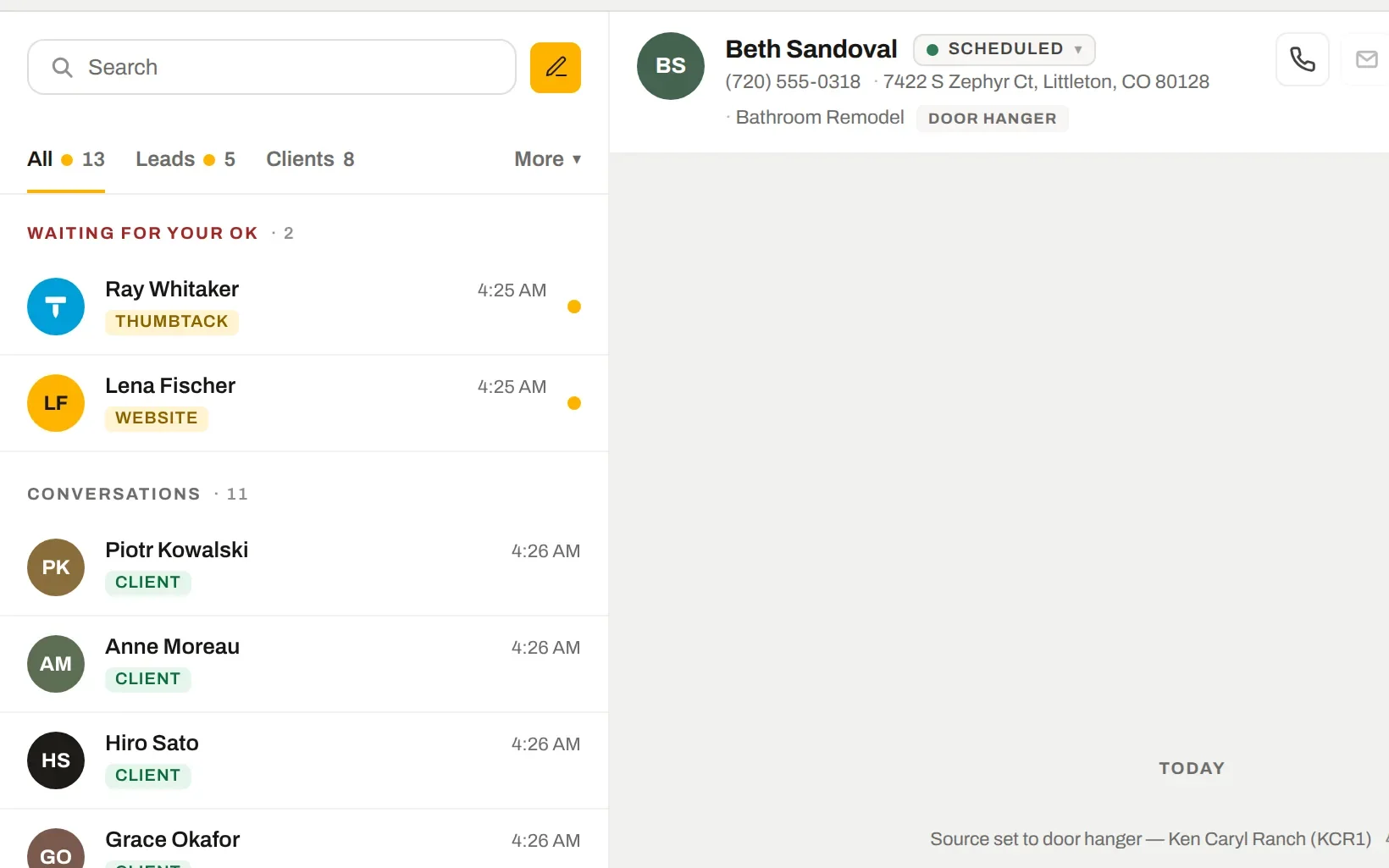
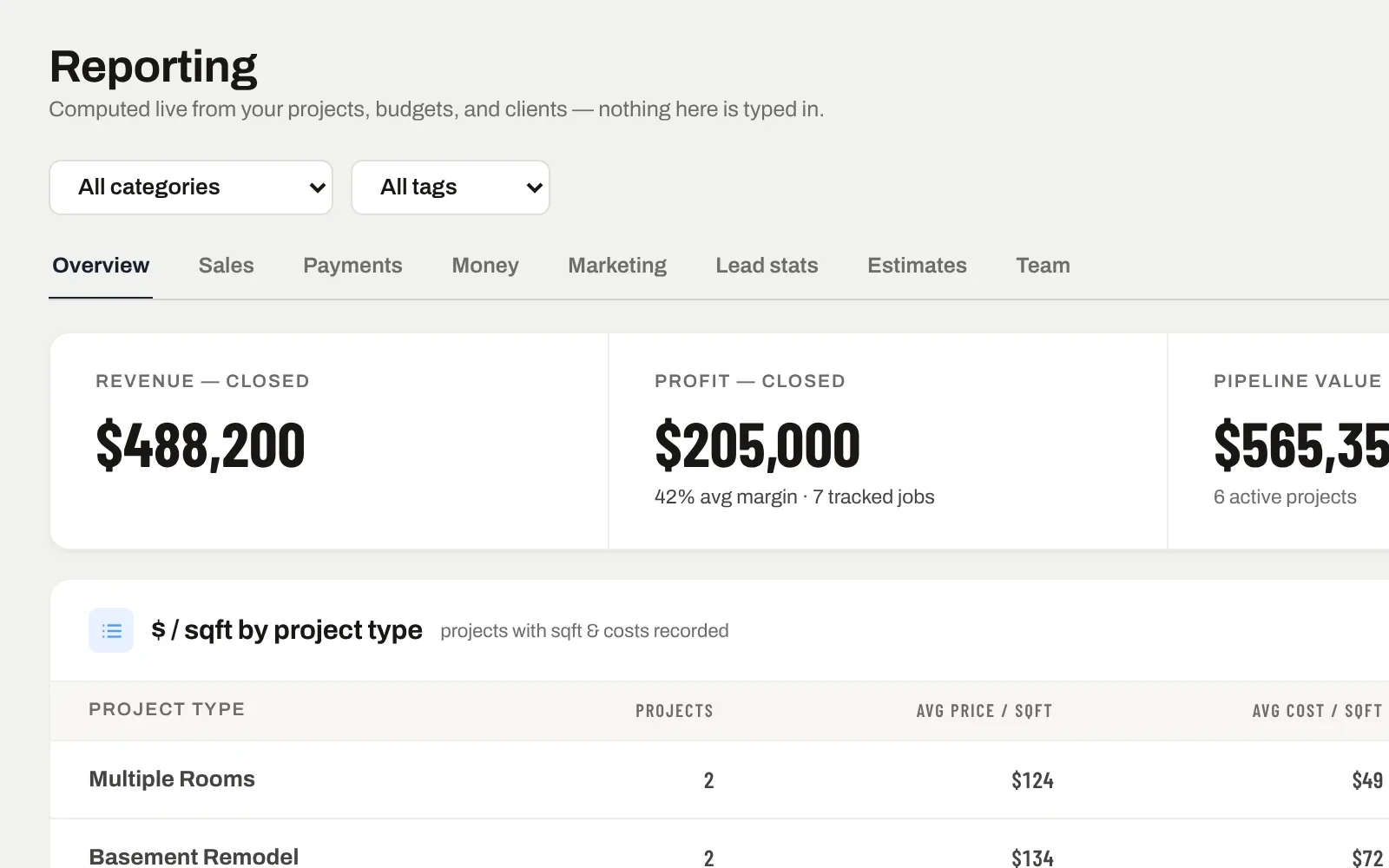
The QR on the hanger carries the territory. A scan, a form, a call — the lead lands in Messages tagged Door hanger and matched to the territory, then to the address. Cost per lead per territory comes out on its own. Next to it: what your other sources cost per lead, if you tell SiteView what you paid them.
Leads auto-matched to the nearest drop within your radius
Cost per lead per territory, per wave
"Door hangers are costing $252/lead" — compared to the rest
IT ALL CONNECTS
The same record, further along.
Nothing here is a separate module with its own copy of the data. Door hangers is one view of the job; these are the next ones.