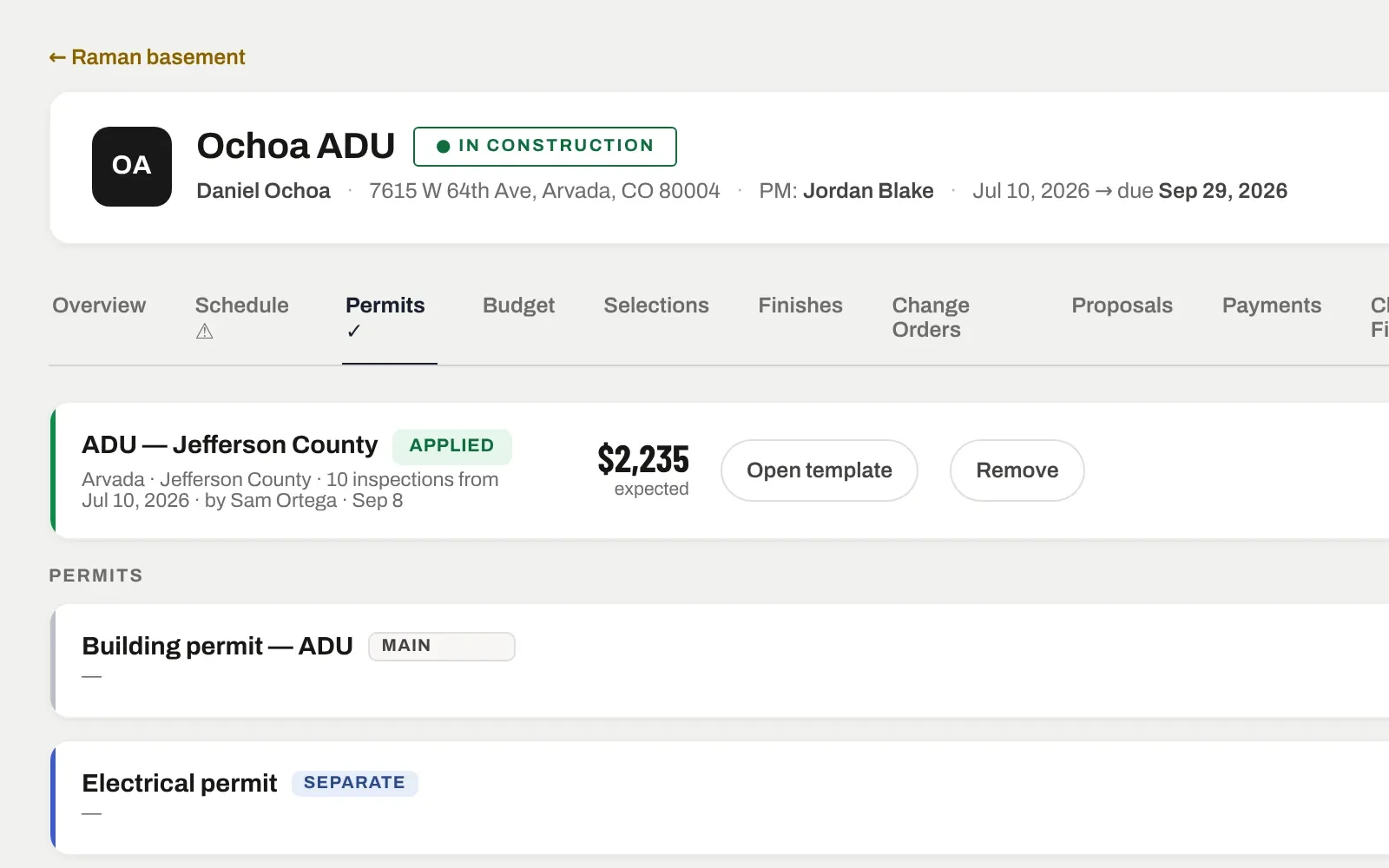
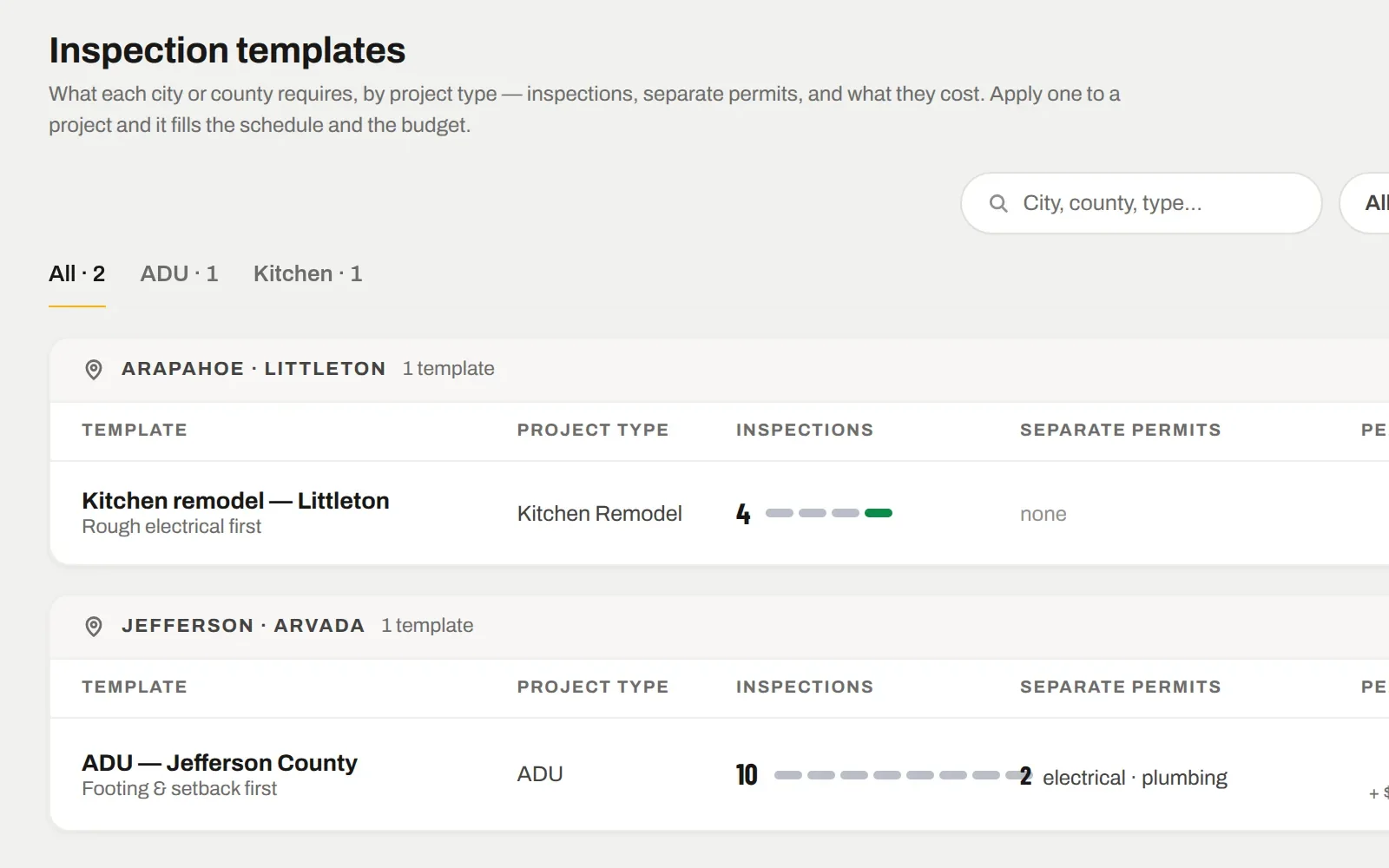
An inspection template is what one jurisdiction requires for one project type: the inspections in the order they get called, the separate permits, what they cost, and the notes your office has learned the hard way. Apply it to a job and it fills the schedule and the budget.
7 days free. From $159 a month after — every tool on every plan. Cancel any time.
TEMPLATES
One per city, per project type.
Kitchen remodel in Littleton. ADU in unincorporated Jefferson County. Each template lists the inspections in the order they are called — footing, framing, rough electrical, rough plumbing, insulation, drywall, final — and the separate permits with their fees.
County notes: the phone line, the cutoff time, the portal link, the inspector who wants the ladder set up
Requirements list — the drawings and documents they ask for
Live templates apply to jobs; drafts stay in the office until they are right
APPLIED TO A JOB
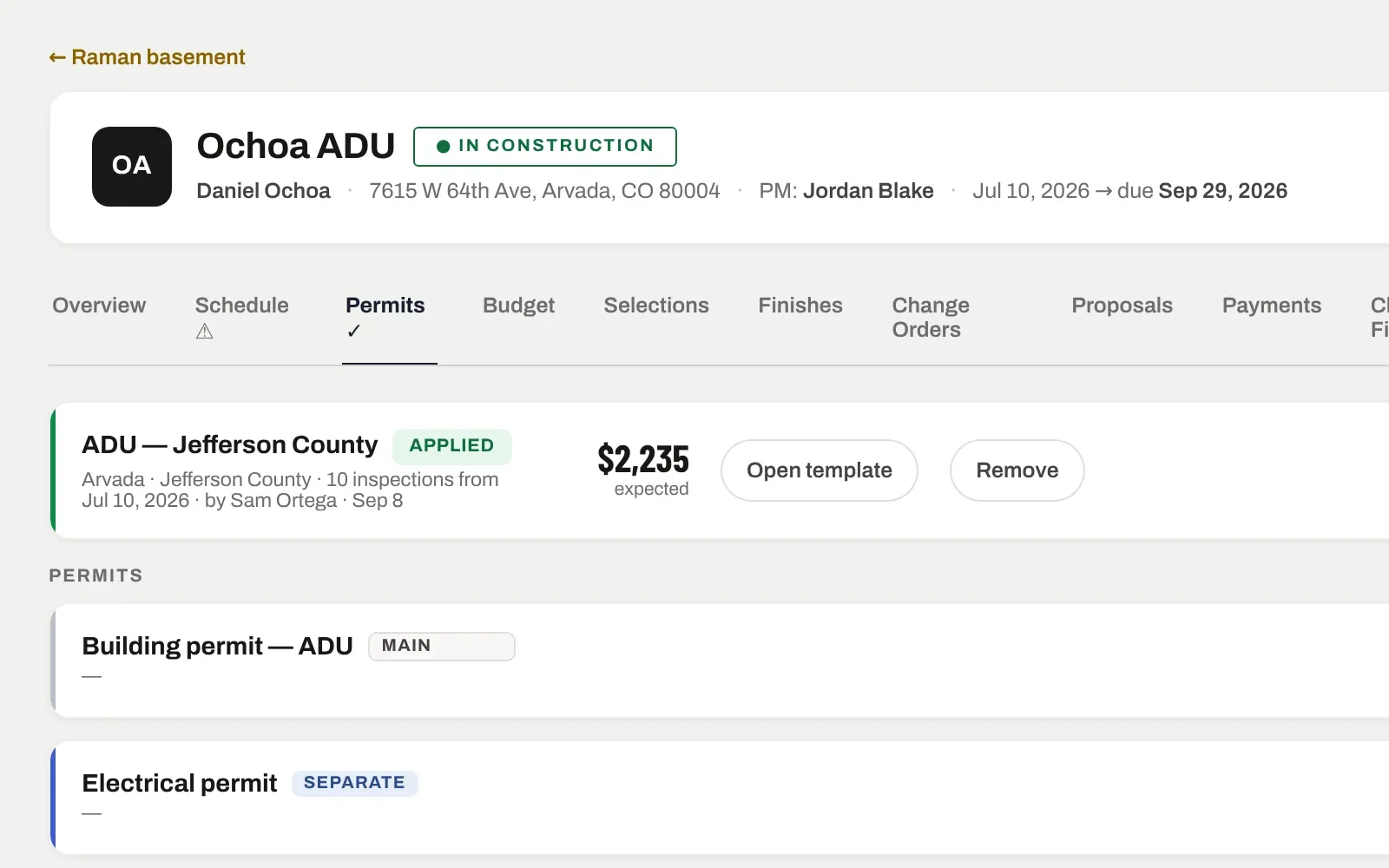
The inspections land on the schedule, the fees in the budget.
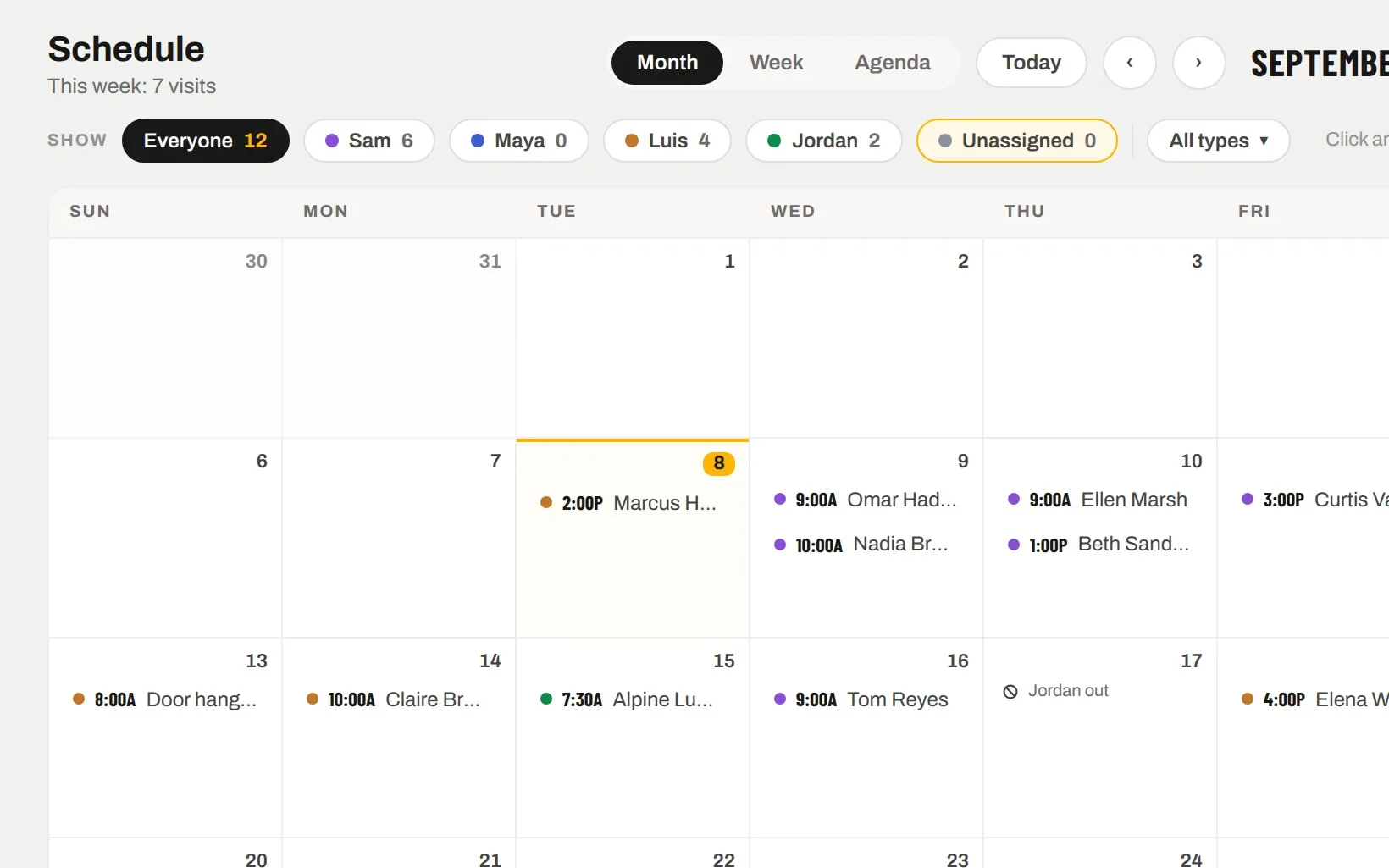
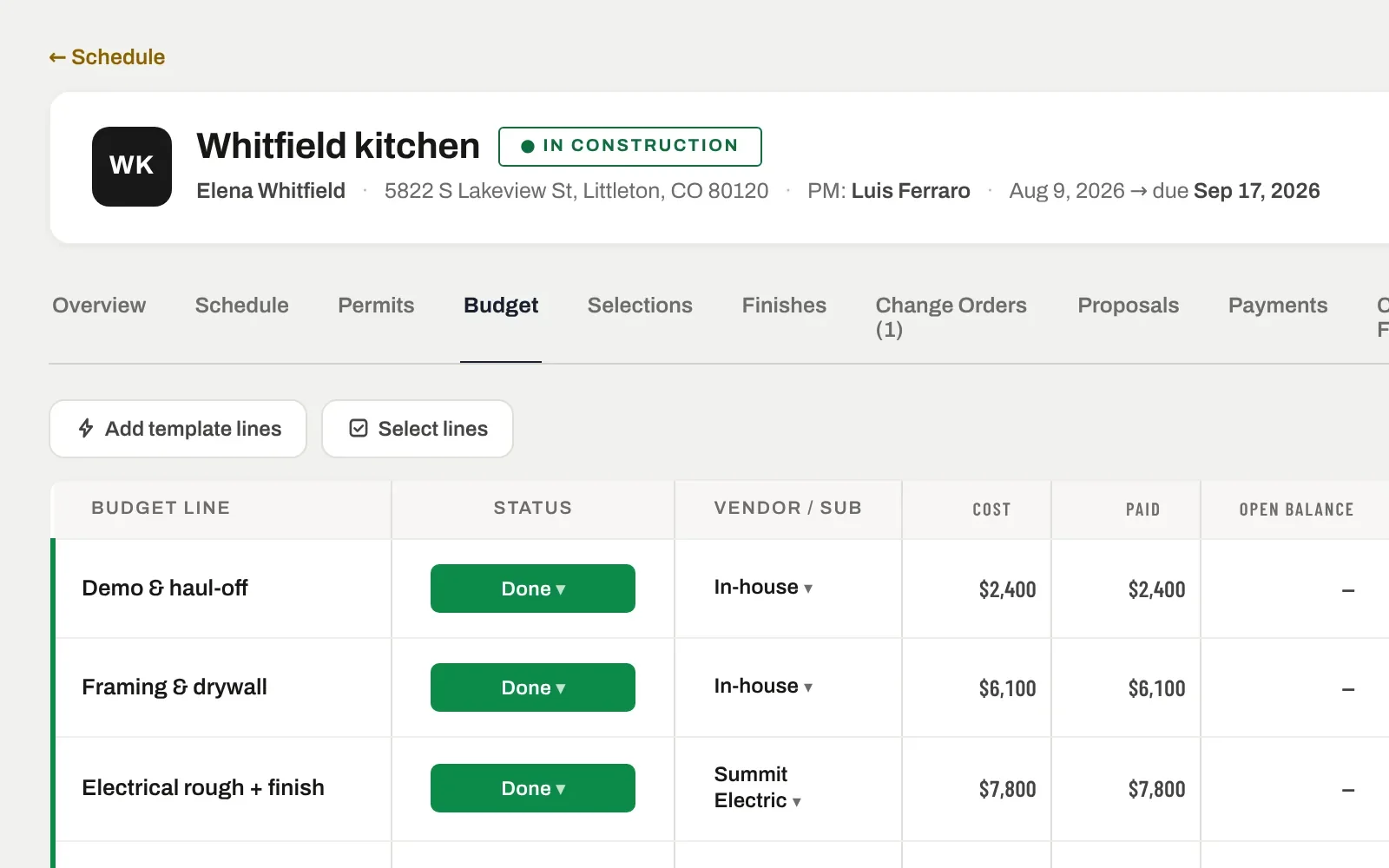
Apply the template with a start date and every inspection becomes a task on the job schedule, in order. Permit fees become budget lines. When the city changes a fee, you change the template and the next job picks it up.
"10 inspections · 2 separate permits · $2,235 expected"
Move an inspection date and dependent tasks move too
Remove a template from a job without losing the rest of the schedule
CHANGE ORDERS
Changes that sign like estimates.
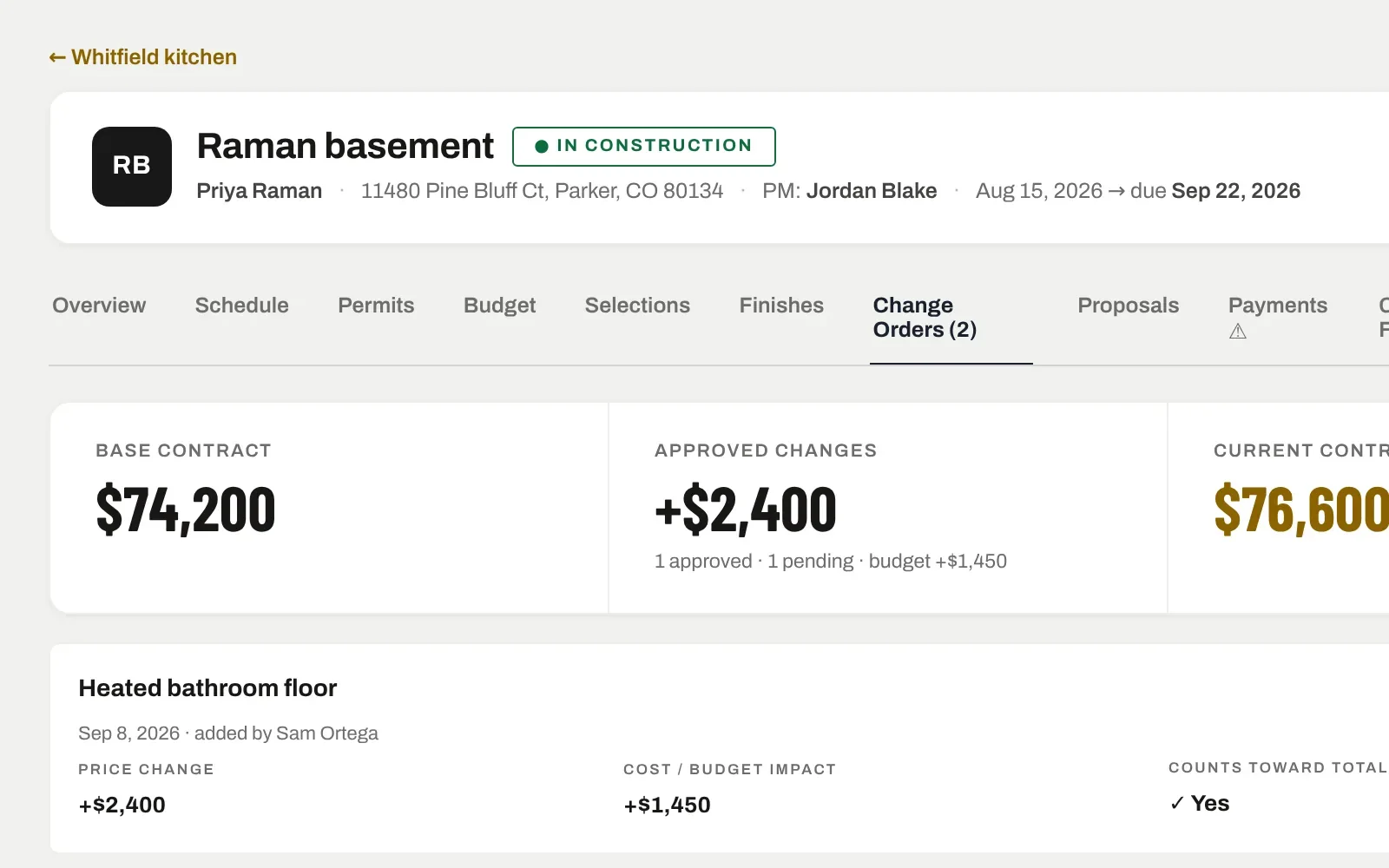
Scope changes get a change order with a price and a cost. The homeowner signs it on their phone; approved, it moves the contract value and the budget together and shows in their portal. Pending ones sit on the dashboard until they are decided.
Line items with vendors on each change
A sign link the client opens on their phone
Counts toward the total only once approved
IT ALL CONNECTS
The same record, further along.
Nothing here is a separate module with its own copy of the data. Inspections & permits is one view of the job; these are the next ones.
No — templates are written by your office from what each jurisdiction actually asks for, which is the only version that has ever been right. Once written, a template is reused on every job of that type in that city.